
Who it’s for
- Motovloggers and anyone starting a motovlog
- Travelers who want to keep a video record of solo travel or touring
- Creators filming camping, hiking, and other outdoor adventures
- Also works for cycling, driving, and walking videos
What you can do
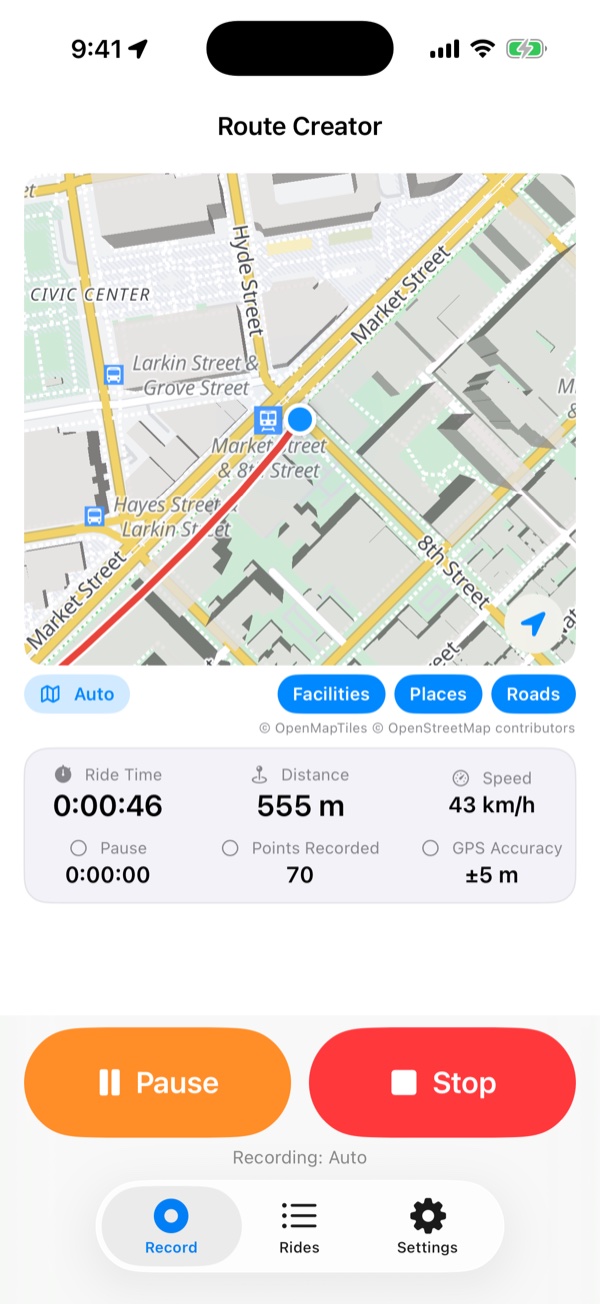
- Start recording before your ride. Recording continues when the screen is off or while you use another navigation app.
- Pause during breaks and resume with one continuous recording.
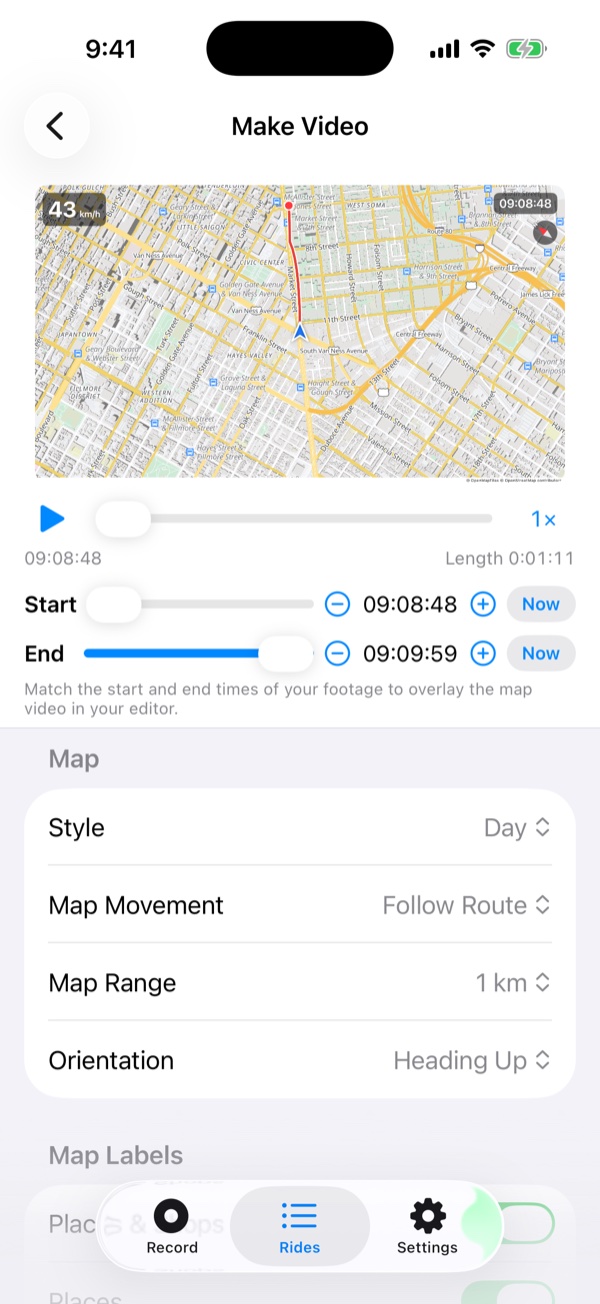
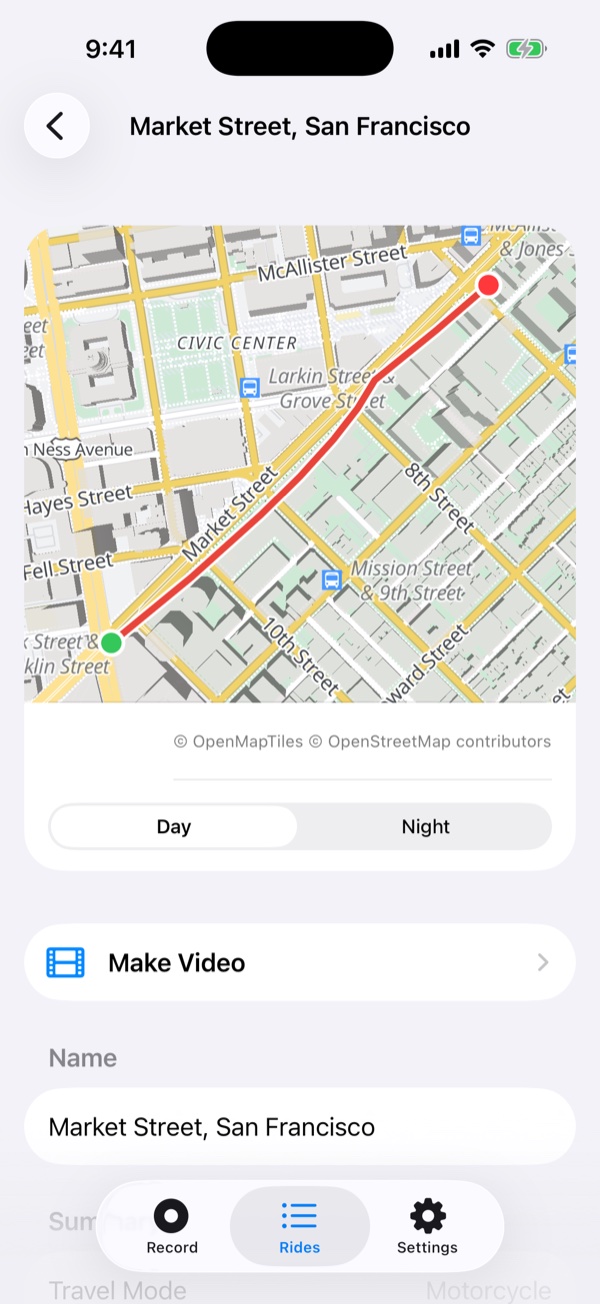
- After your ride, choose a route and export a map video as MP4. Match the video’s start and end to your footage. Export landscape 16:9, portrait 9:16, and more, then overlay it as picture-in-picture in a video editor. Use footage from any camera: action, 360-degree, or phone.
- For motorcycles, bicycles, cars, and walking.
- Show speed, time, and heading. Pro also shows distance, elapsed time, elevation, and an elevation graph.
- OpenStreetMap coverage worldwide, with place names shown in your iPhone’s language. Pro includes a night map that is easier to see after dark.
- Location data stays on your device and is never sent elsewhere. No account needed. The app supports English and Japanese.
App screens
Pricing
Free
Free to use. One ad is shown each time you export a video.
Pro
Pro (monthly or yearly subscription): no ads, all information displayed, recording interval selection, and night map.