Who it's for
- People who want to sing better
- People ready to start recording covers
- Anyone who wants to practice before karaoke
- Singer-songwriters practicing with an instrument
- Singers who want to hear what their voice really sounds like
Your phone becomes a mic
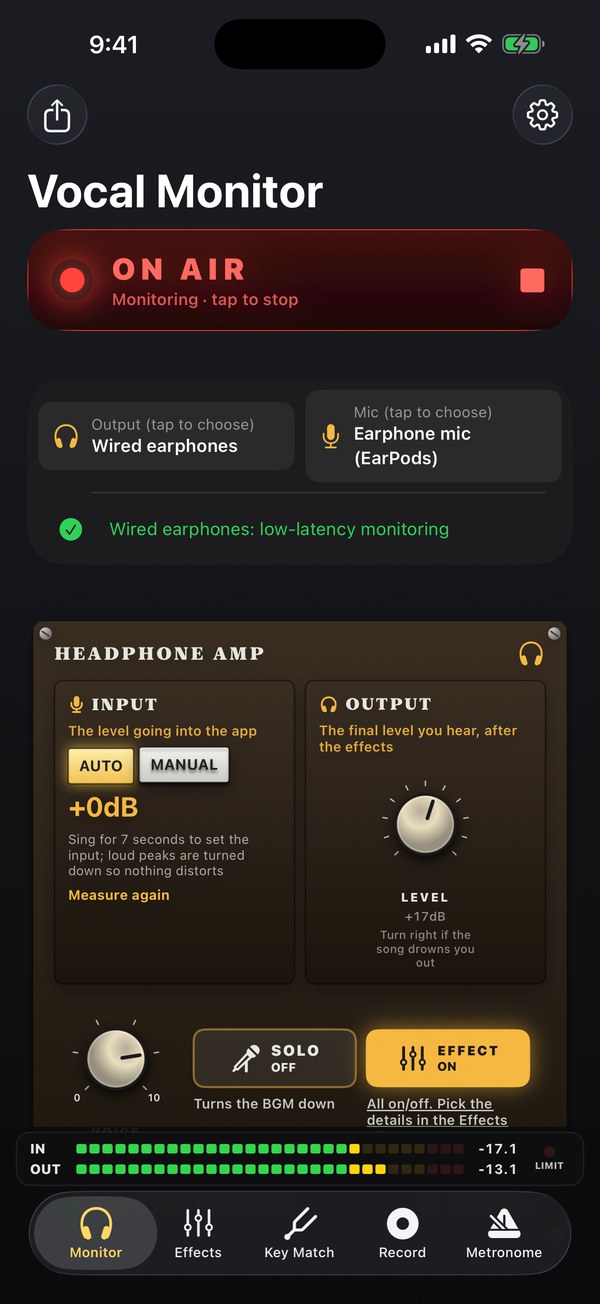
Hold your phone near your mouth like a microphone. Vocal Monitor sends your voice to your wired earphones with low latency, so you can sing along while music plays in another app. Use it with an app that has a vocal-off karaoke feature to practice anytime, anywhere.
It works with wired earphones, iRig, USB microphones, headset microphones, and other devices you can connect to iPhone. Bluetooth adds noticeable delay, so wired earphones are recommended. To avoid feedback, the app monitors your voice through earphones only, not the built-in speaker.
Monitor and shape your sound
- Measure input gain to set your input level automatically, and adjust headphone output with one knob.
- Adjust reverb and see the levels of your voice and surrounding sound in dB.
- SOLO mode lowers the background music so your voice stands out.
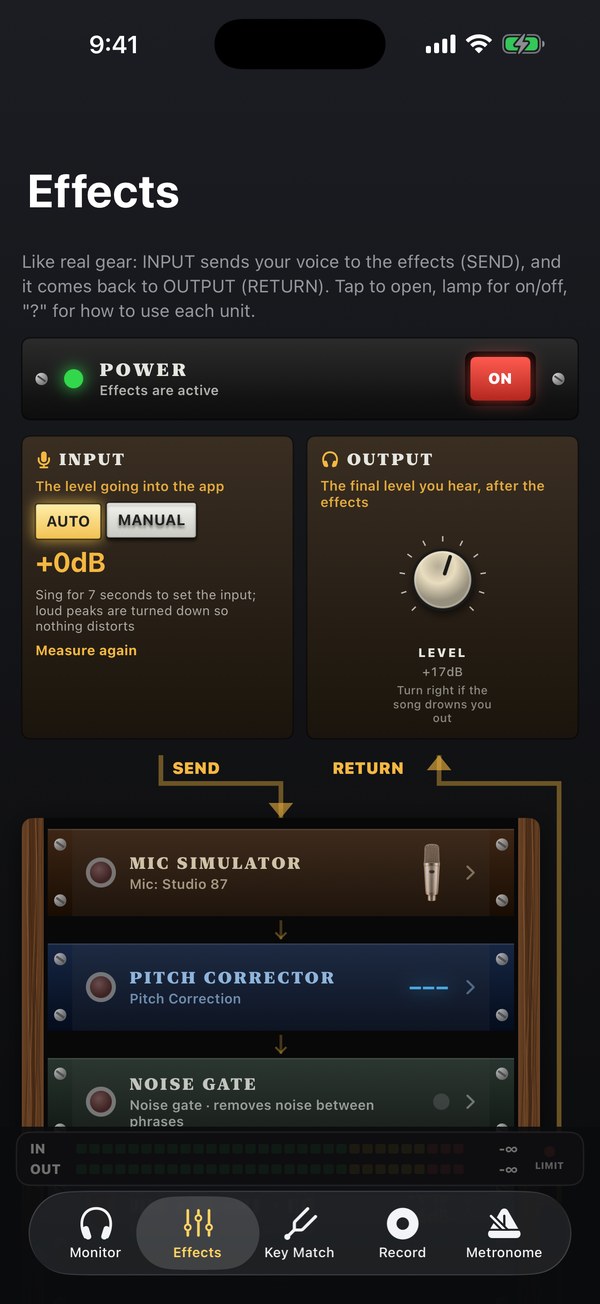
- Apply effects in order: Mic Simulator, Pitch Correction, Noise Gate, Mic Preamp, Compressor, EQ, and Reverb. Choose FET, Optical, or VCA compression, and Digital, Graphic, or Tube EQ.
- Each effect includes usage tips and suggested settings. Save setups in MY SETTINGS and recall them with one tap.
Practice pitch and record
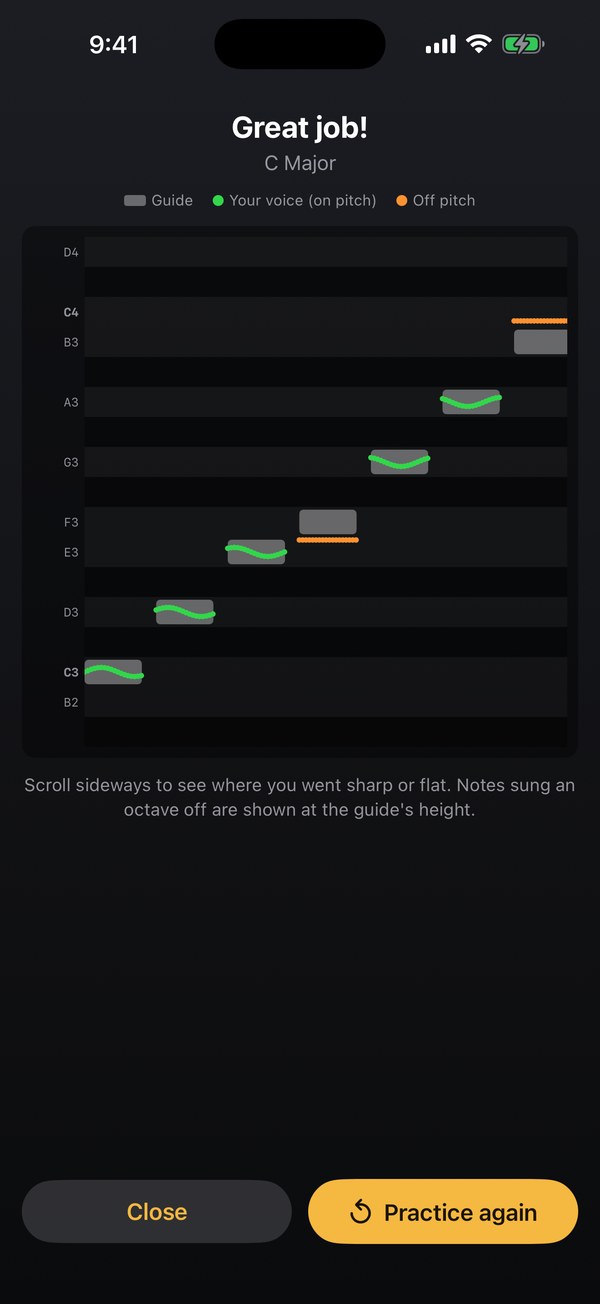
- Practice manually by playing a note on the keyboard and matching it with your voice, follow a key scale, or sweep smoothly from low to high notes.
- Scale practice counts down, plays a reference, and then invites you to sing along. When you finish, compare your result with the reference. The A reference pitch can be set from 430 to 450 Hz.
- Record your voice and listen back. With Pro, import a backing track, record over it, and export your mix. Export as m4a or WAV, including a vocal-only file.
App screens
Free and Pro
Free
Core features are free. Features marked PR—including SOLO, EFFECT, all reverb types, changing the reference pitch, and the second and later MY SETTINGS slots—are available for three hours after watching a short ad.
Pro · one-time purchase
Use every feature without ads, permanently.