The Appeal of the 1176 — How a 20-Microsecond FET Compressor Grabs a Voice [Vocals, Drums, Bass]
☕ A coffee-length story — about a 10-minute read. Enjoy the background and practical use of this classic piece of gear as a story.
Imagine recording vocals in a studio when one word in the chorus suddenly jumps out of the mix. Turn it down, and the performance loses its force. The 1176 is one option in that situation. Its fast response can catch peaks while you look for a setting that preserves the outline of the vocal. An 1176 can bring a sound forward, but it is not simply a tool for clamping everything down. The interesting part is choosing which moments to preserve.
The shape created by speed
The 1176 is a compressor that uses a FET (field-effect transistor). It responds quickly to changes in the input and is designed to catch sounds with sharp attacks. It is known for controlling brief peaks such as sharp consonants or a snare hit.
But a fast setting is not always the right one. A faster attack can suppress the very beginning of a sound and reduce its forward energy. A slightly slower attack lets the initial hit through and then controls the level that follows. Before moving a knob, ask yourself: should the start of the sound remain, or should it be controlled?
Shape the timing with attack and release
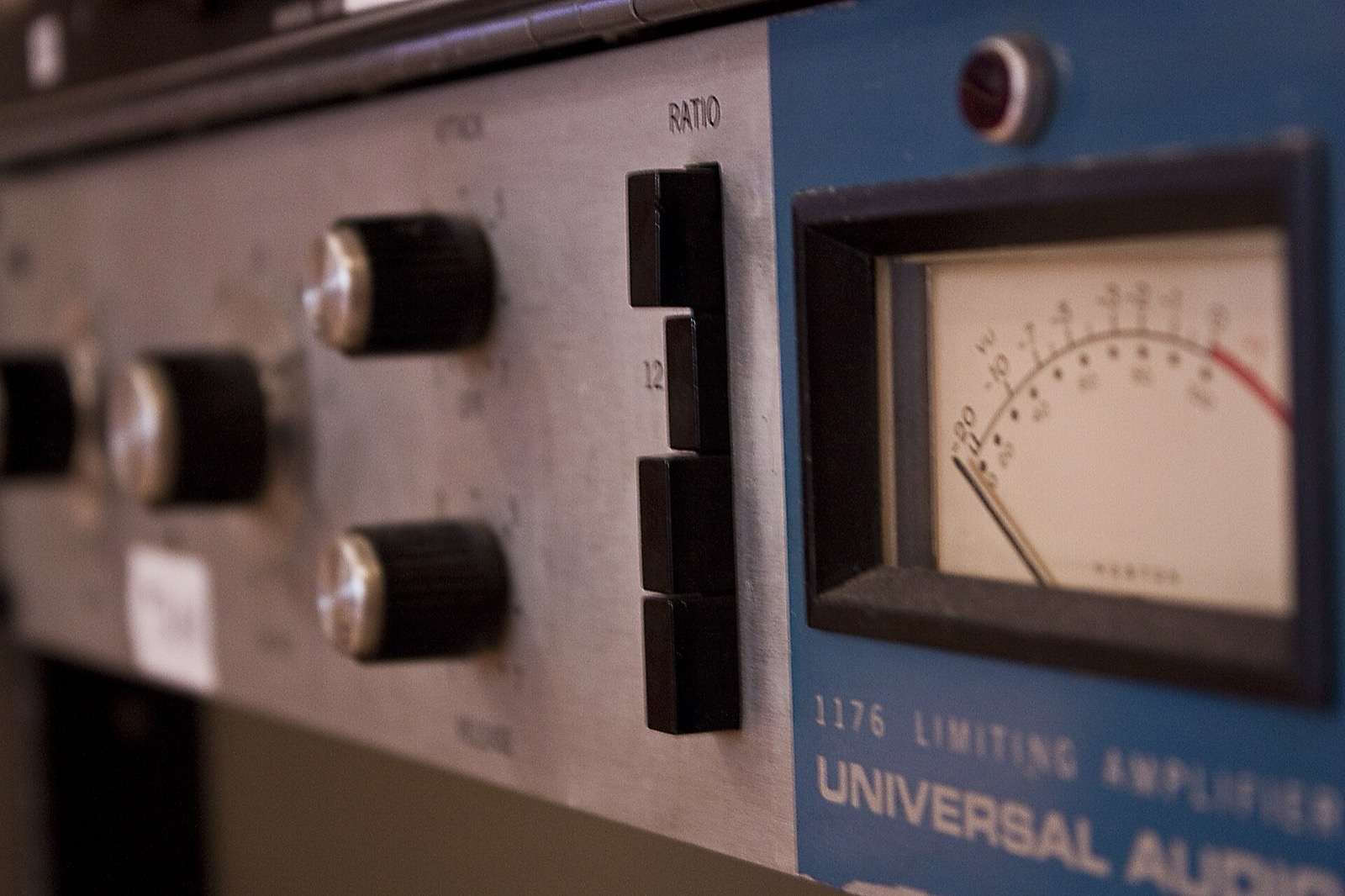
Attack is the time between a sound crossing the threshold and compression beginning. Release is the time it takes for compression to ease after the sound falls below the threshold. On 1176-style units, the controls generally work in an unusual direction: higher numbers mean faster times. Learning the knob direction by listening is the quickest way to get comfortable with it.
A short release lets compression recover quickly, which can make the sound seem denser or more energetic. If it is too fast, the level may fluctuate or the low end may pulse unnaturally. A longer release is gentler, but compression may continue into the next sound. Listen to how the compressor recovers in time with the track.
Choose a ratio
The ratio determines how much a sound above the threshold is compressed. A lower ratio gives a gentler change; a higher one controls peaks more firmly. The 1176 has several ratio settings and is also known for “all-button” mode, in which multiple buttons are pressed at once.
All-button mode behaves differently from ordinary compression and can add grit, distortion, or a strong sense of presence. It is not simply a way to get the greatest amount of compression. It is tried as a musical effect when you want to add strong character to drums or a voice. Because a louder output can seem better, match the level when comparing it with bypass.
Find a starting setting
As a starting point for vocals, try a 4:1 ratio and listen for about 2–4 dB of meter movement on louder syllables. For snare, try 4:1, a slightly slower attack, and 3–6 dB on peaks. For bass, try 4:1 and about 2–4 dB, while checking for low-frequency pumping. These are starting points that vary with the source and input level. Do not treat knob positions as fixed answers; return to the full accompaniment and adjust until the voice or rhythm sits naturally in front.
Listen around the words in a vocal
On vocals, an 1176 can control syllables or consonants that jump out while keeping the voice close. If a fast attack suppresses the consonants too, the words can become overly rounded. A slightly slower attack can preserve their edges. Adjust according to the singer and the level differences in the recording.
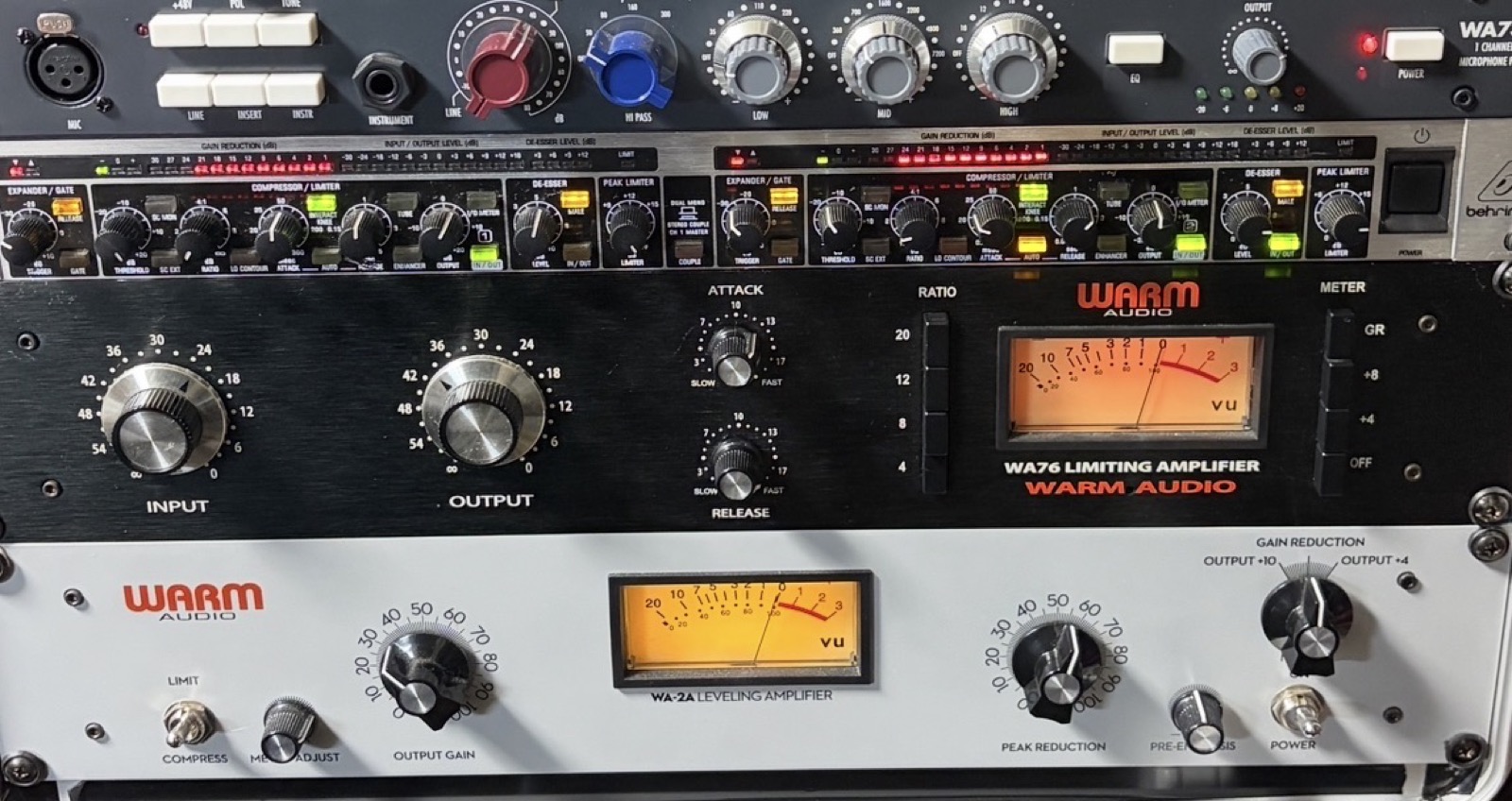
Rather than asking one unit to even out everything, you can give different compressors different jobs. One approach is to let the 1176 catch brief peaks, then use a slower compressor to shape the overall level. The right equipment depends on the voice and the song. I have a Warm Audio WA76 and a WA-2A; in my rack, the WA-2A sits directly below the WA76.
With drums and bass
For drums, the 1176 suits sources where momentary impact is part of the musical expression, such as a snare or room microphone. With deeper compression and a release timed to the beat, the decay or room sound can come forward. On kick, listen for low-frequency movement and find a setting that does not erase the attack.
On bass, it can control the peak when a string is plucked and stabilize the body of the note. Strong compression can even out the notes, but it also flattens the string’s attack and the player’s dynamics. Check that the low end is not pumping in the mix.
Common problems and how to fix them
If the attack is too fast, it may suppress consonants or the start of a snare hit, making the sound recede. Slow it slightly to let the initial transient through. If a very short release makes the low end pulse, slow the recovery or reduce the amount of compression. If the processed sound seems better only because its output is louder, match the levels and compare again.
Key points
- Use source-specific starting points, then listen and adjust to taste.
- Listen to the start of the sound and how compression recovers.
- Compare bypass and processed sound at the same level.
Alternatives for a similar sound
There are several plug-ins based on the 1176’s behavior and tone. They offer a way to learn how attack, release, and ratio affect sound without owning the hardware. Products with the same name can still differ in operation and tone. When choosing one, check whether it offers the adjustments you need, such as attack and release, and listen to the actual sound with a trial version if available.
The appeal of the 1176 is not just that it is “fast.” It is the ability to change the character of a voice or instrument through quick decisions: where to stop the speed, whether to preserve the attack, and how to time the compressor’s recovery to the rhythm. Start with a small amount of gain reduction, match the level with bypass, and listen.
What changes besides volume
When you use an 1176, not only the level difference on the meter changes; the shape of consonants and the impression of room sound can change too. Raising the output gain to make up for the reduction brings forward breaths and reverberation that were harder to hear before. Decide whether you want the voice to feel closer or the performance’s roughness to remain, and, if needed, also check the noise and room sound in the recording.
On a drum room microphone, deeper compression can raise cymbals and the room’s decay considerably. It can add weight to the whole kit, but cymbals may become harsh or the room may swell after a kick. A setting that sounds dramatic on its own may not suit the song, so return to the full drums or mix and check again.
What to check by source
- Vocals: listen to both the beginnings and ends of words.
- Drums: check the decay and room sound as well as the peaks.
- Bass: check the definition of the notes and any low-frequency pumping.
Preserve the attack or add density?
When setting a compressor, judging attack and release only as “fast” or “slow” can make it easy to lose sight of what you want to change. With a snare, do you want the first hit to come forward, or the body and decay to become stronger? With a vocal, do you want to preserve consonant definition or make the whole phrase feel closer and steadier? Naming the goal for each source makes it easier to choose which way to turn the controls.
If you change several controls at once, it becomes hard to tell which one changed the sound. Choose the ratio first, change only the attack, then adjust the release. Finally, set the input and output. On some units the input control affects both the amount of compression and the tone, so match the output level before comparing.
This process is less about finding a correct preset than practicing how to listen. Loop a short passage and switch between processed and bypassed sound, focusing on one intended element, such as vocal intelligibility or the kick’s definition. Once you can hear small changes, it becomes easier to recognize when a stronger setting is needed.
Photo credits
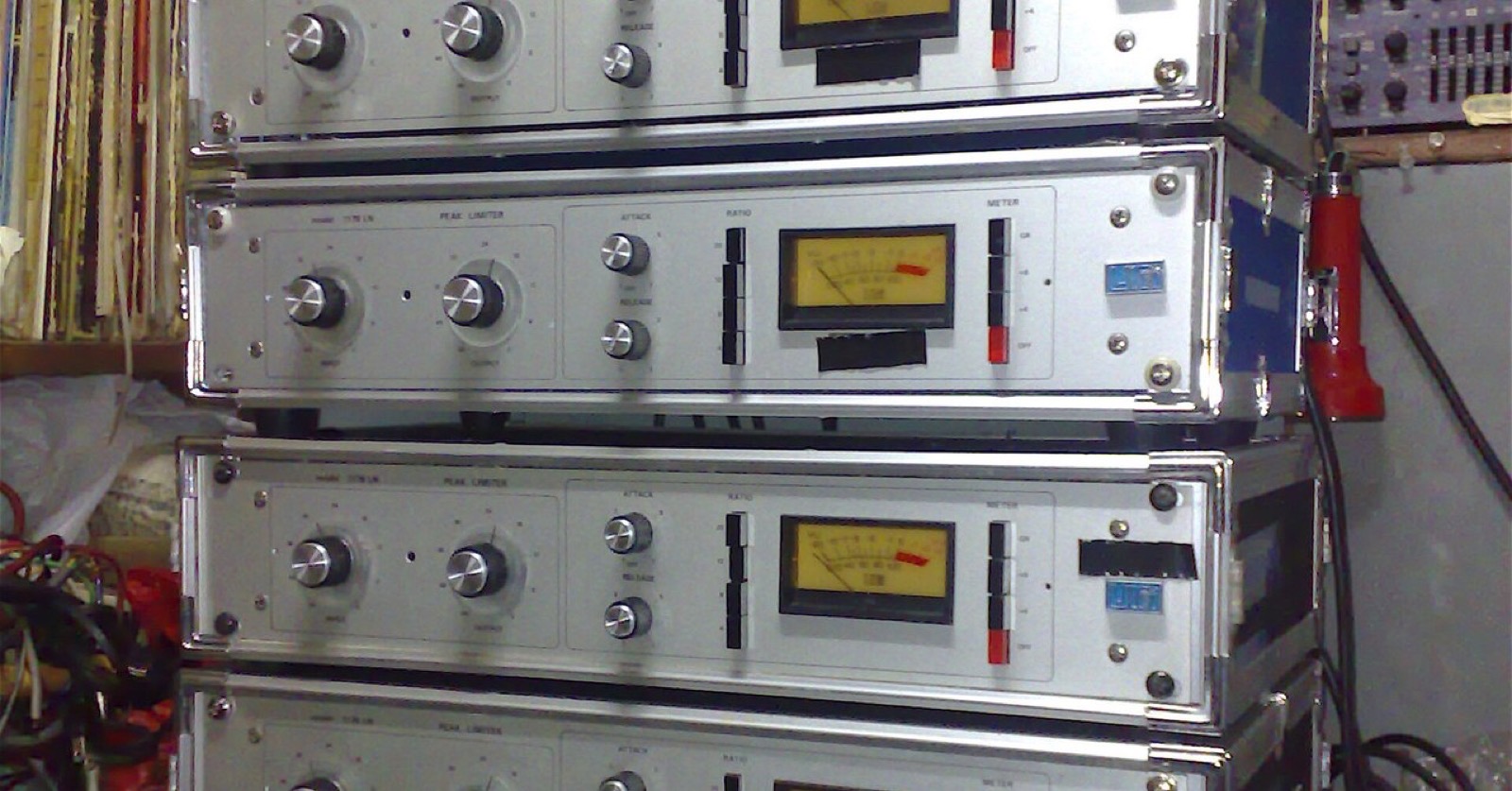
- Header, “UREI 1176LN (Silver) x6.jpg” (cropped): Photo: Ville Hyvönen / Wikimedia Commons / CC BY-SA 2.0
- “UA LA1176 Rev.A”: Photo: John Tuggle / Wikimedia Commons / CC BY 2.0
- The author’s Warm Audio WA76: Photo: the author
Licenses: CC BY 2.0, CC BY-SA 2.0.